Make your picks. Beat the host.

Take on Chuck in quick sports prediction challenges.

Play at beatchuck.com
BenQ AK800ST or AK900ST? Start with the screen and mounting distance cover
Back to Beat Chuck Newsroom

BenQ AK800ST or AK900ST? Start with the screen and mounting distance

A new first-look video shows the setup tools, while BenQ’s published specifications clarify the brightness and lens differences.

Share this article

FacebookLinkedInXEmail
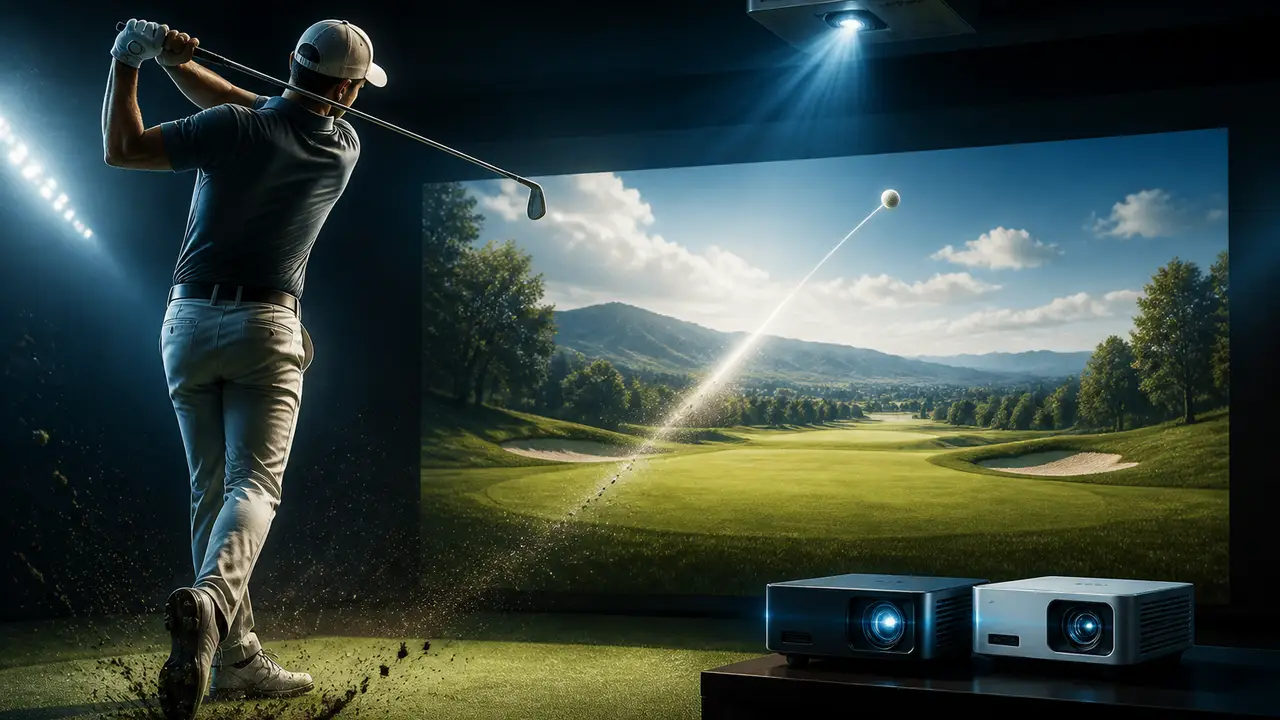
  • BenQ’s new AK800ST and AK900ST golf simulator projectors share 4K resolution and automated screen setup, but they do not share the same lens range. For someone planning a simulator room, that difference deserves attention before the higher brightness number. Golf Simulator Videos’ October 2 first look introduces both models at a BenQ event; the published specifications provide the firmer reference for installation planning.

  • YouTube

    Golf Simulator Videos: AK800ST and AK900ST first look

    Golf Simulator Videos’ October 2026 first look at BenQ’s AK800ST and AK900ST projectors; a launch demonstration rather than a complete installed test.

    Read source
  • BenQ lists the AK800ST at 5,000 ANSI lumens with a throw ratio of 0.69–0.83. The AK900ST is rated at 6,000 ANSI lumens with a 0.81–0.89 range. Those are manufacturer ratings, rather than brightness measured in our own room. A throw ratio describes the relationship between lens distance and image width, so the two ranges can produce different mounting positions for the same screen.

    Check the geometry first

    In the event conversation, some lens figures are recalled tentatively. The official numbers above are the ones to use. A useful starting calculation is image width multiplied by throw ratio: a ten-foot-wide image implies about 6.9–8.3 feet for the AK800ST or 8.1–8.9 feet for the AK900ST. These calculations explain the published ranges; the final installation still needs its specified screen format, mount and lens position checked.

  • Make your call with Beat Chuck

    Check the challenge board for the latest open games.

    All Beat Chuck games →

    Golf Chuck
  • BenQ’s comparison also lists optical lens shift on the AK900ST and no optical lens shift on the AK800ST. That is a meaningful placement distinction when a projector cannot sit exactly where a room plan would prefer. The brighter model may help a larger or more illuminated space, but the room’s available mounting position remains a separate constraint.

    Automated fitting for flat and curved screens

    Both models include Auto Screen Fit 2.0 and Auto Focus, according to BenQ. The first-look video specifically discusses fitting the projected image to a curved impact screen. ProjectorCentral’s independent October 2 launch report explains that the setup system uses a built-in camera and sensors to detect the screen and adjust image geometry. It is useful context for the demonstration, rather than an independent long-term test of the automation.

    The models also support saved settings for different uses. In the video, the presenter discusses moving between golf software, movies and games without rebuilding the picture settings each time. That makes the room’s other uses worth including in the plan, alongside its golf screen and hitting position.

  • This first look shows the intended features and gives buyers concrete specifications to compare. It does not settle measured brightness, image uniformity or setup reliability in every enclosure. The next useful evidence will be a full installation and test. For now, choose the lens range and mounting flexibility that suit the room, then weigh the manufacturer’s brightness ratings and shared convenience features.